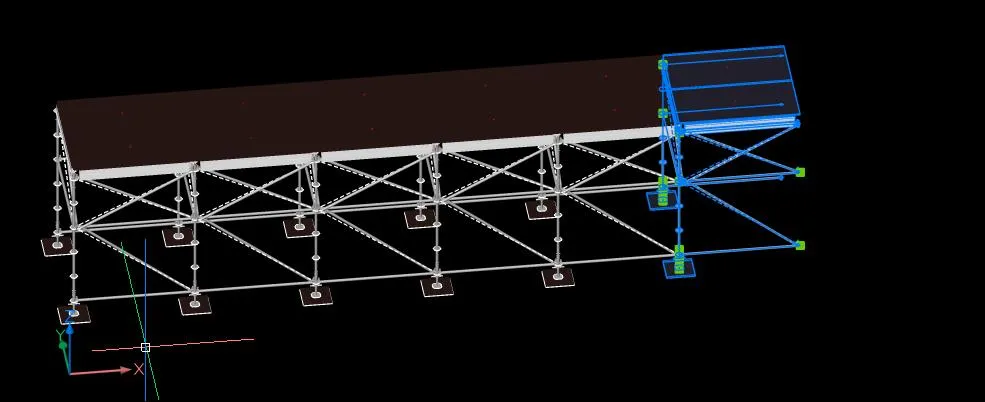
Working with Layher
SCAD Re-Event has a number of commands that are very handy when drawing with Layher.
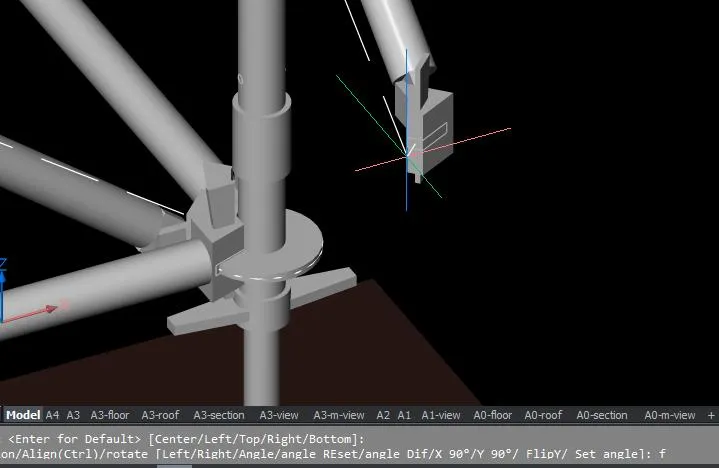
The blocks in the library have points, so they are easy to “snap” together in the right place when the snap points are correct. When drawing with Layher, turn off all entity snaps except Node (point).

When inserting ledgers, you will quickly use the F9 or F10 key to change the direction.
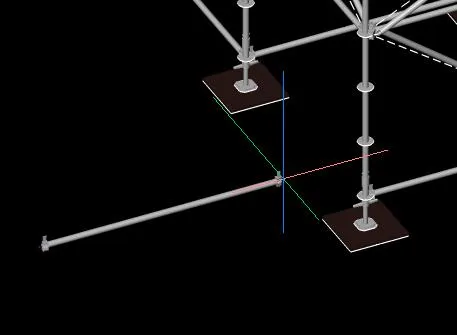
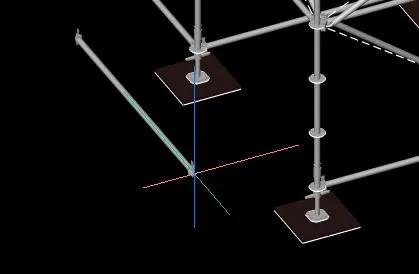
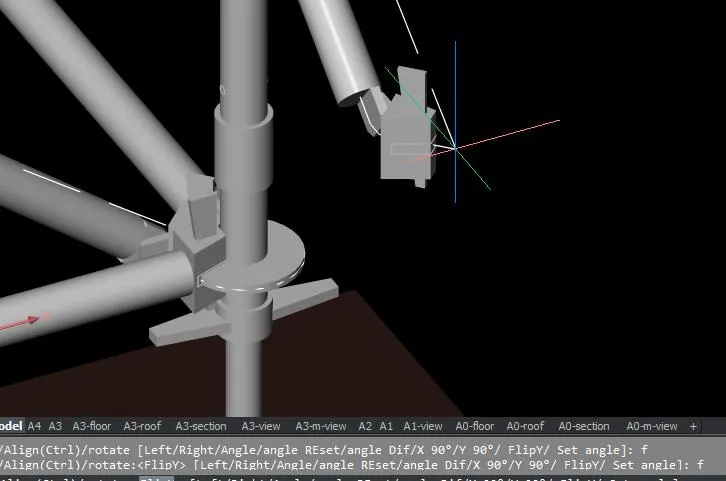
For braces, the FlipY option comes in handy when the brace has to go on the other side (f
The commands CX and CY are often used to quickly copy standards with ledgers onward. But it can be even faster: the ctrl-arrow keys on the keyboard copy the selected objects in the direction of the arrow, so ctrl-arrow up copies the blocks in the Y direction.
Select the objects and press ctrl-arrow right a number of times.
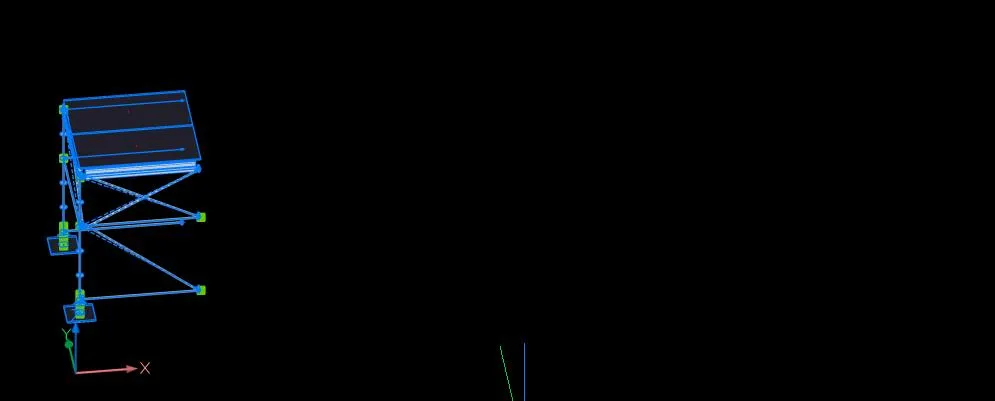
The result: